
WorkBuddy
Tencent's desktop agent workspace: local files, Skills, MCP, and custom OpenAI-compatible models.
Install
Download the build for your platform from the WorkBuddy site.
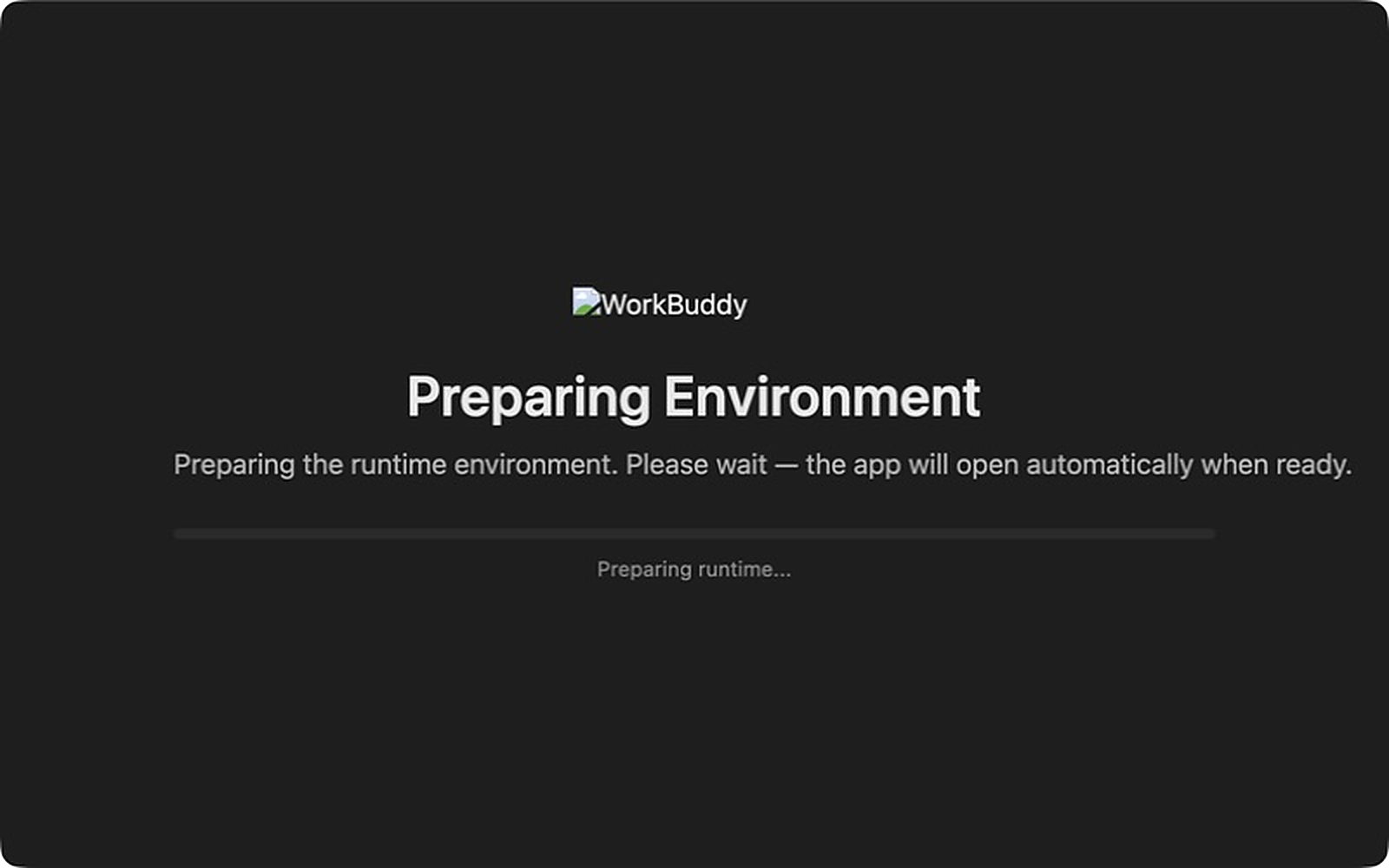
The first launch prepares a local runtime — let it reach the welcome screen:
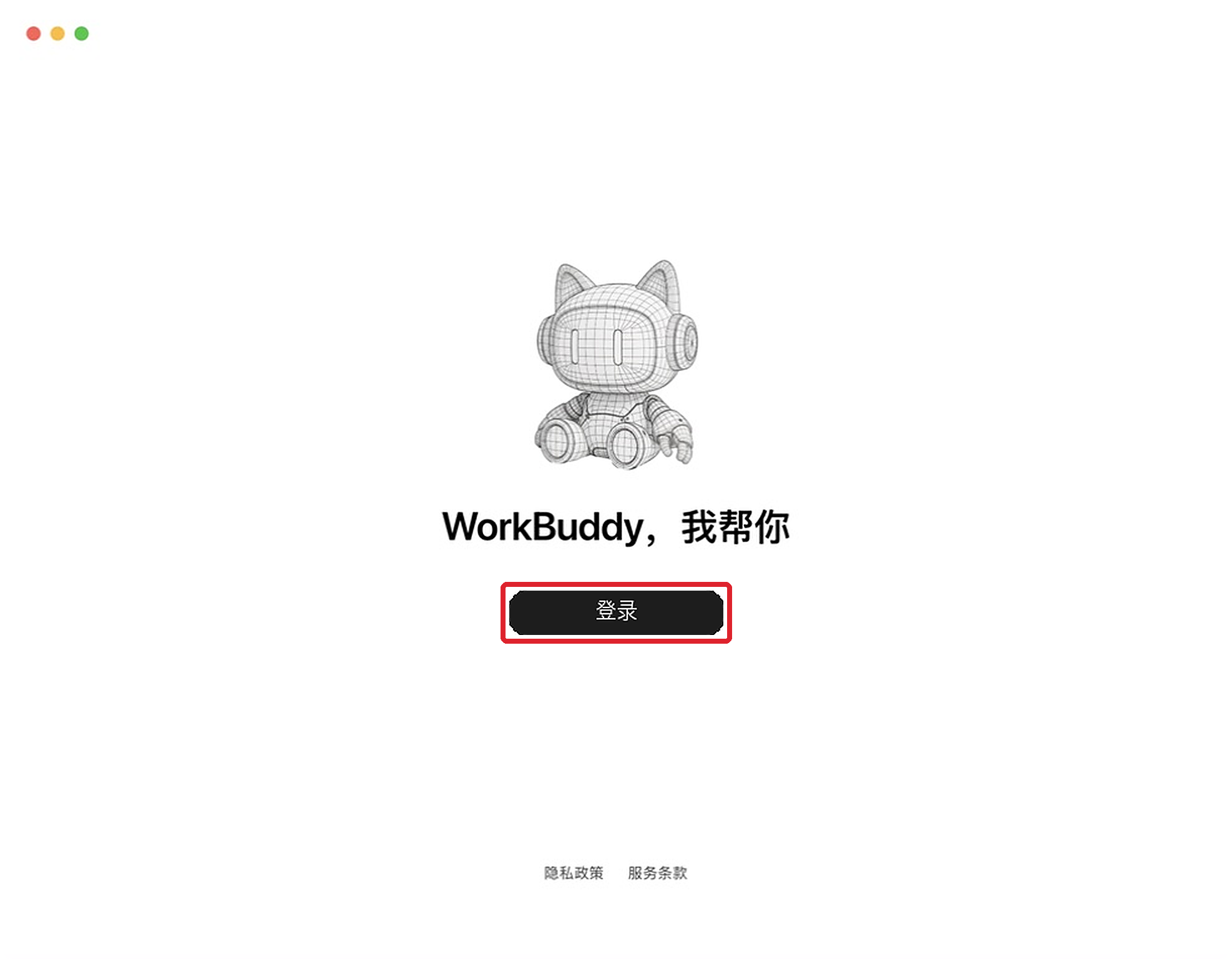
Sign in
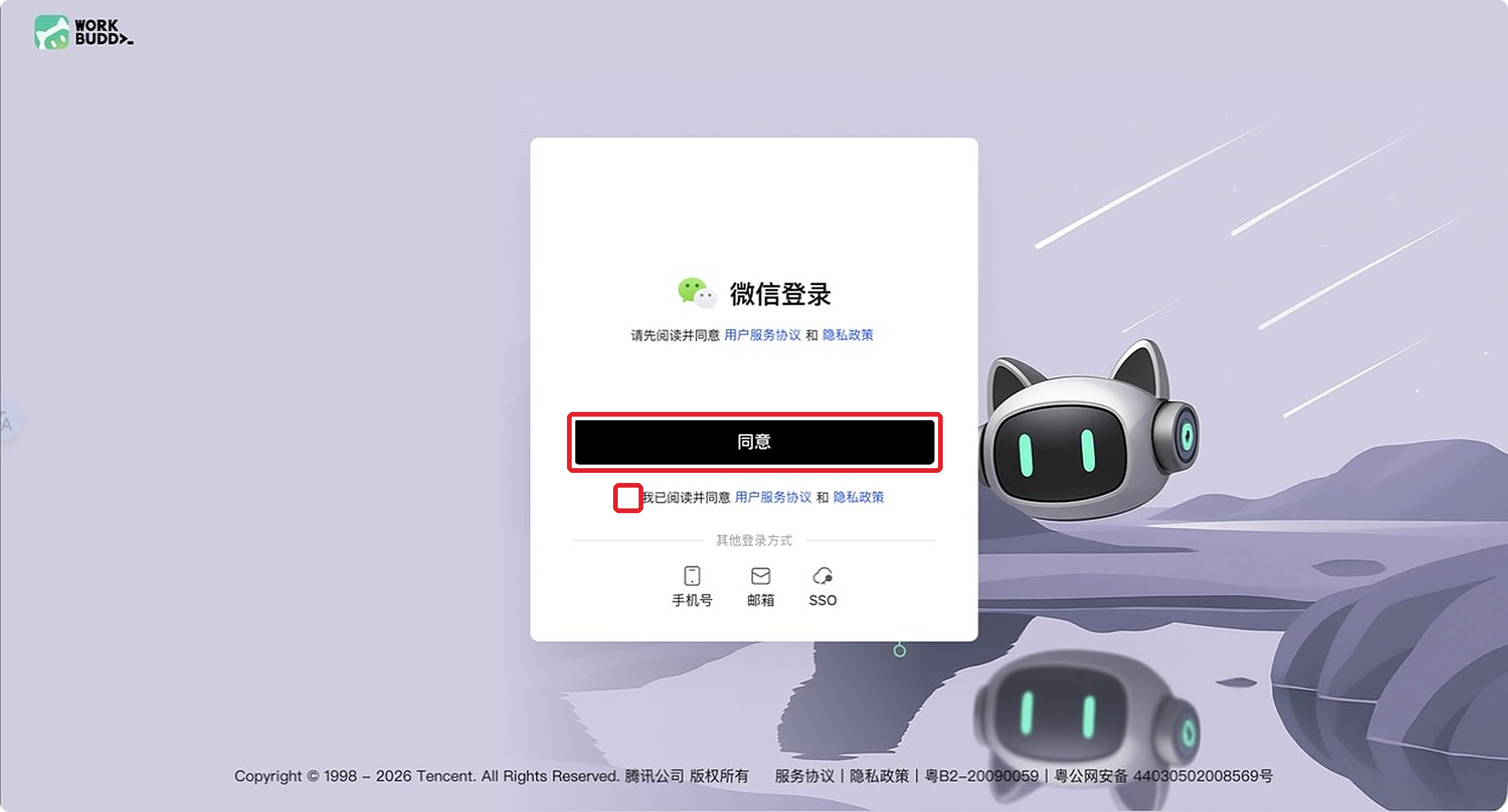
Signing in opens a Tencent CodeBuddy page in your browser; accept the terms and finish authentication:
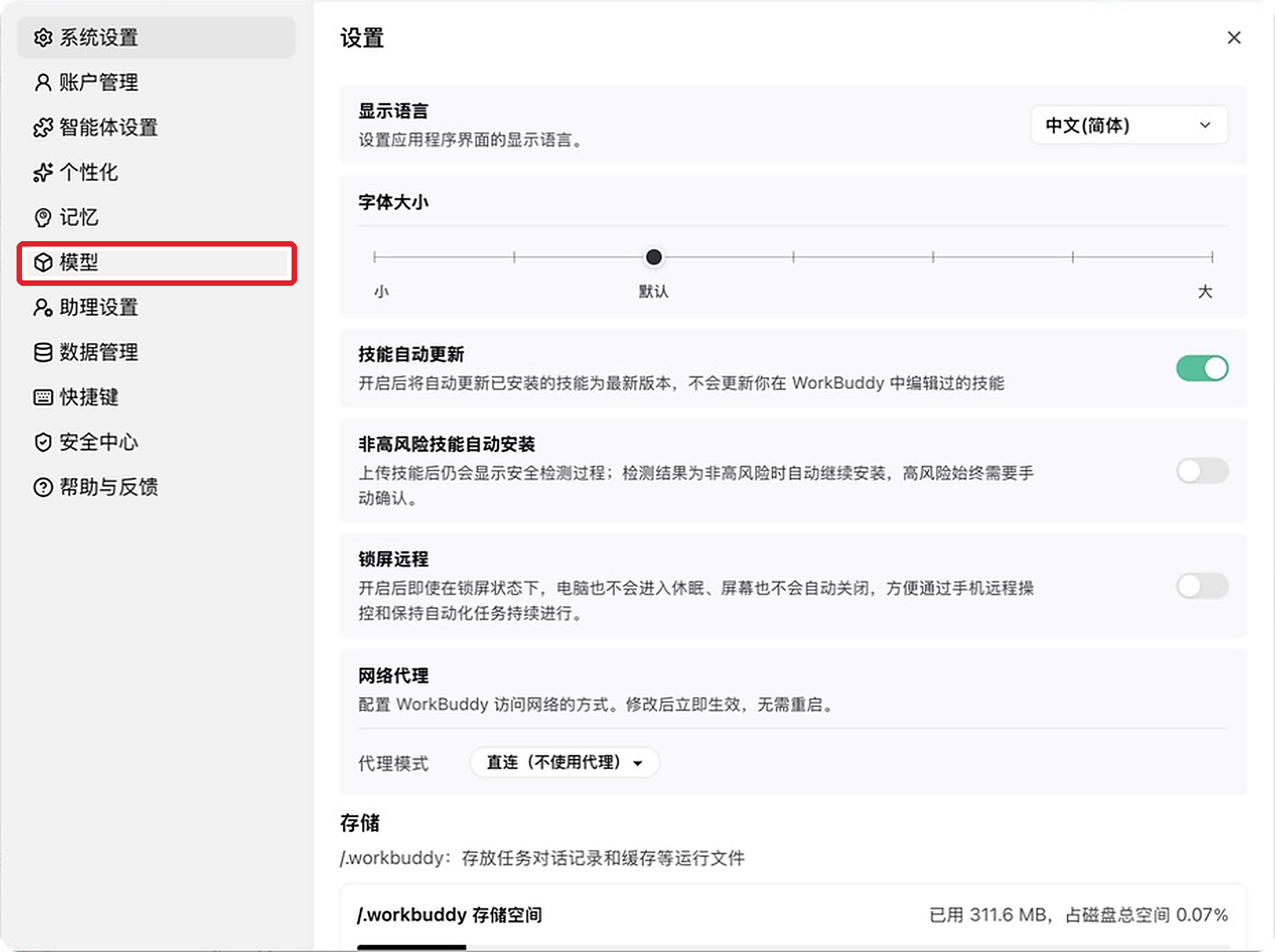
Open model settings
Settings → Models:
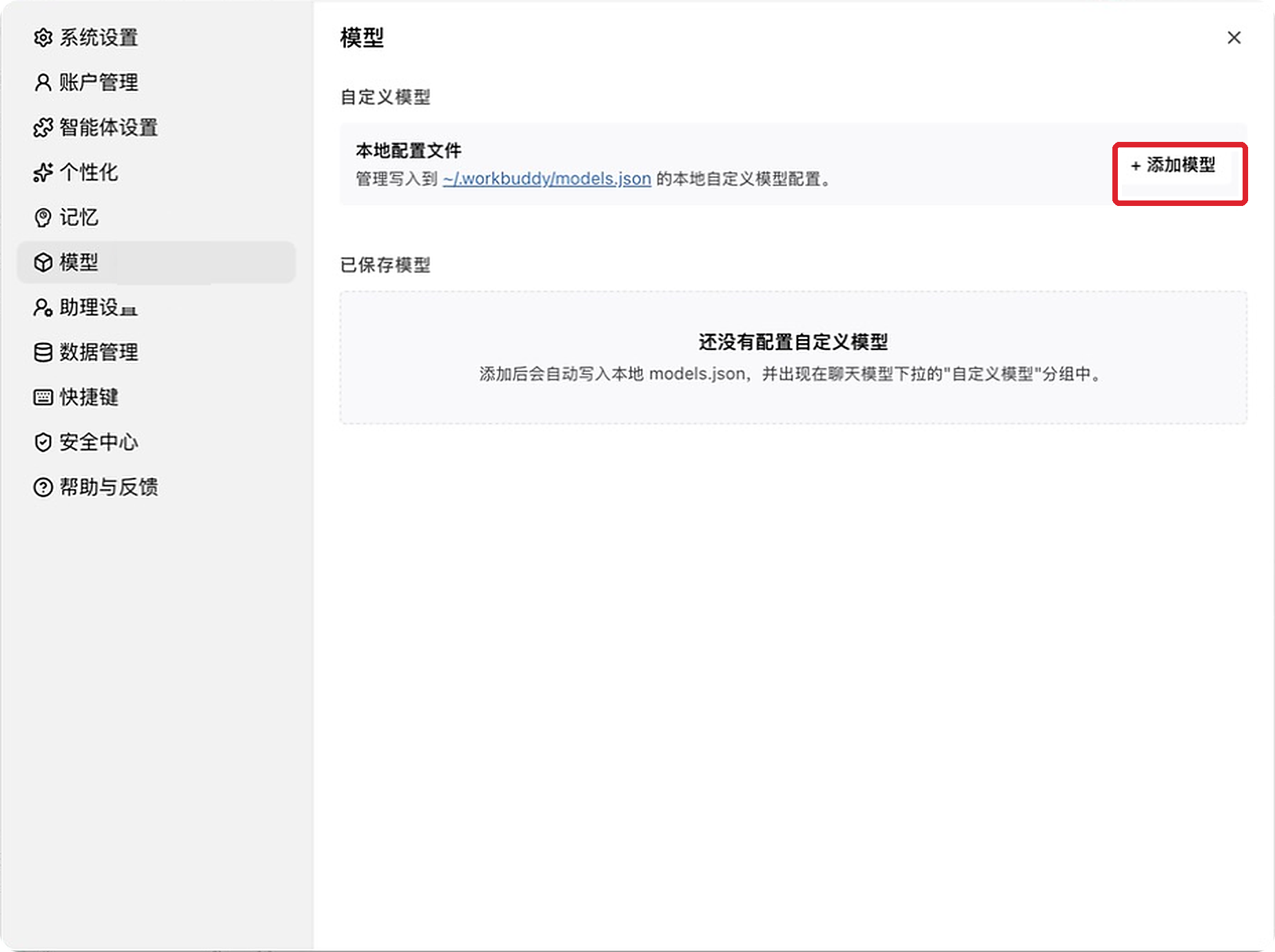
Add a custom model
Choose the Custom provider:
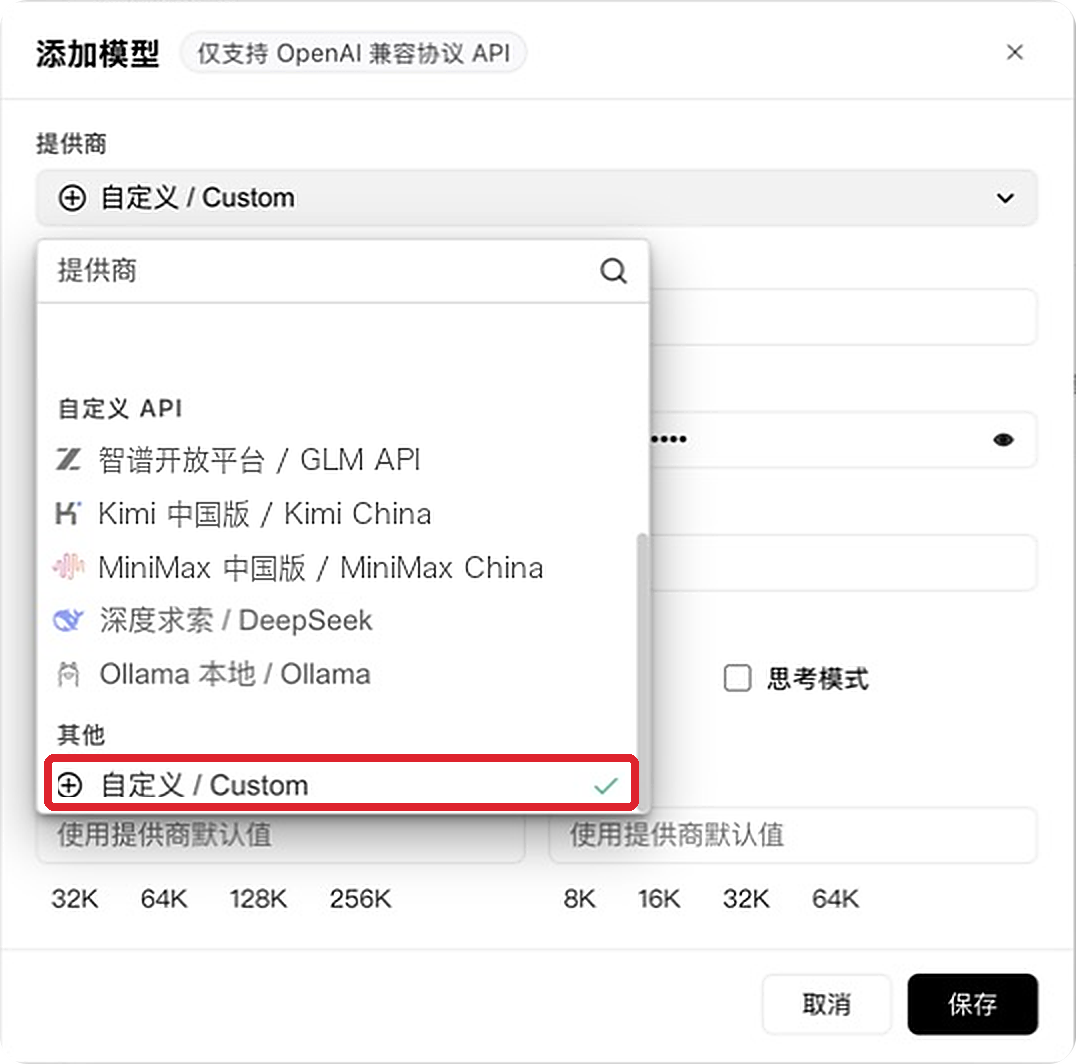
Fill in three fields:
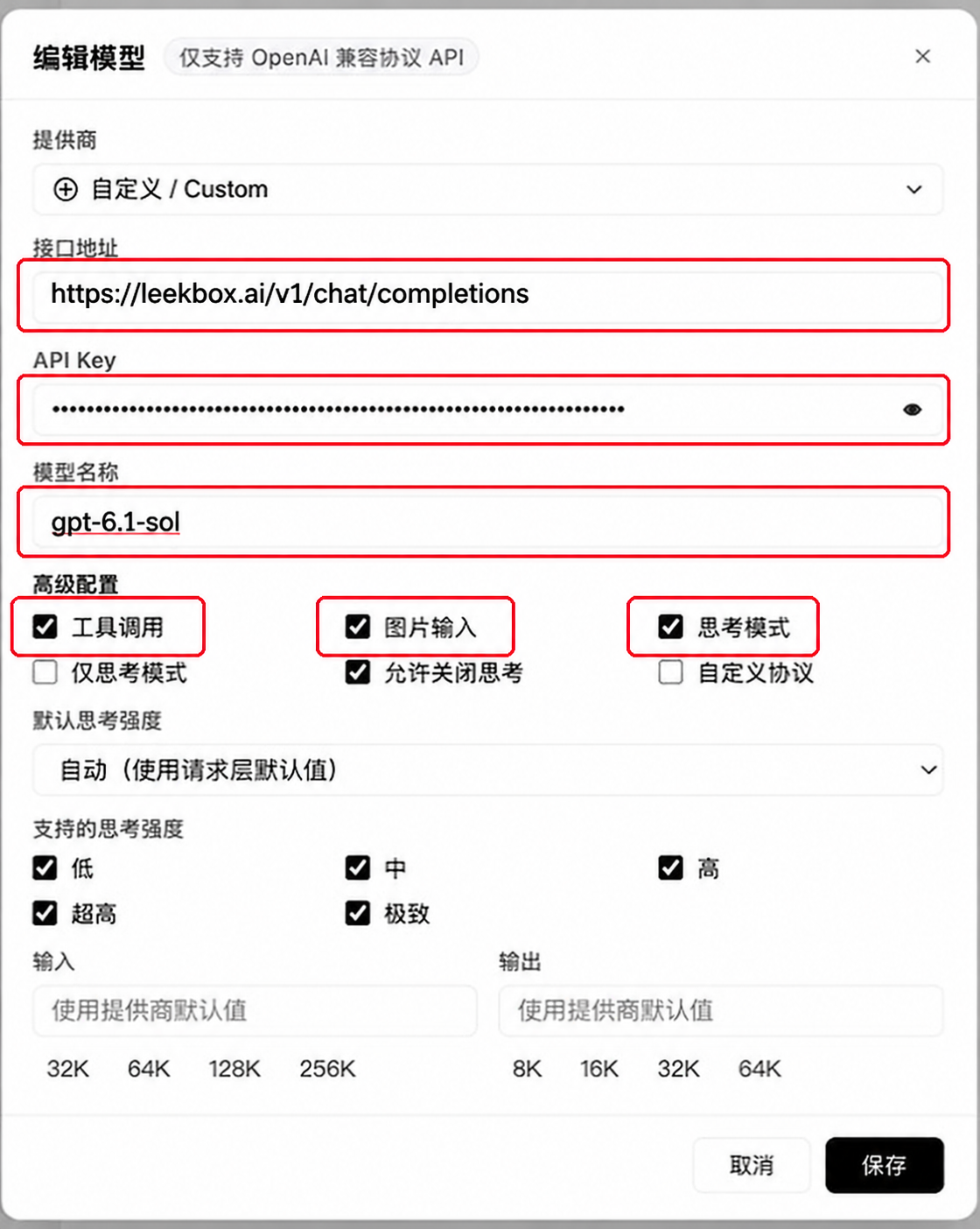
| Field | Value |
|---|---|
| Endpoint | https://leekbox.ai/v1/chat/completions |
| API key | sk-... |
| Model name | gpt-6.1-sol (or claude-sonnet-5) |
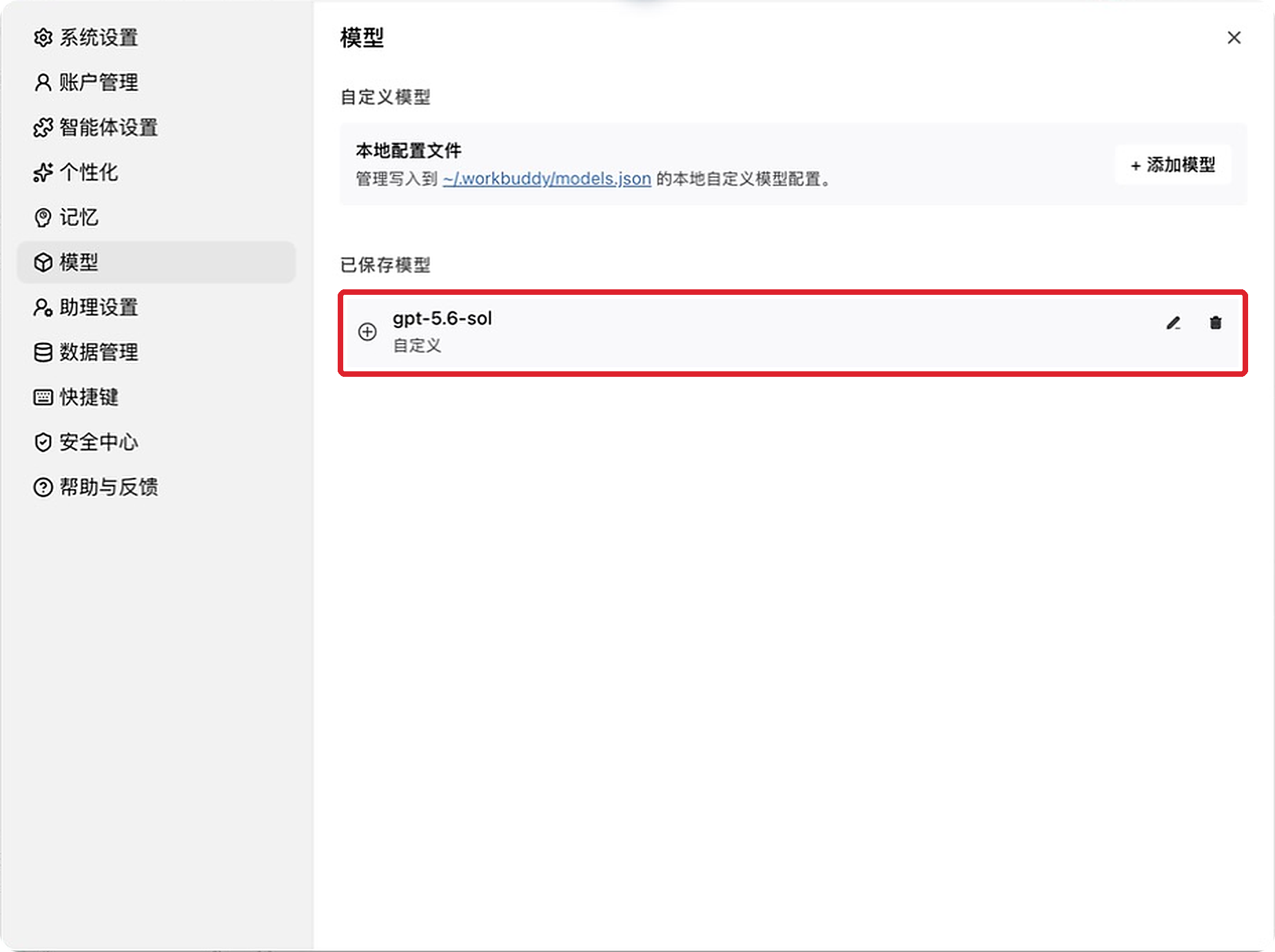
Save and it appears in the model list:
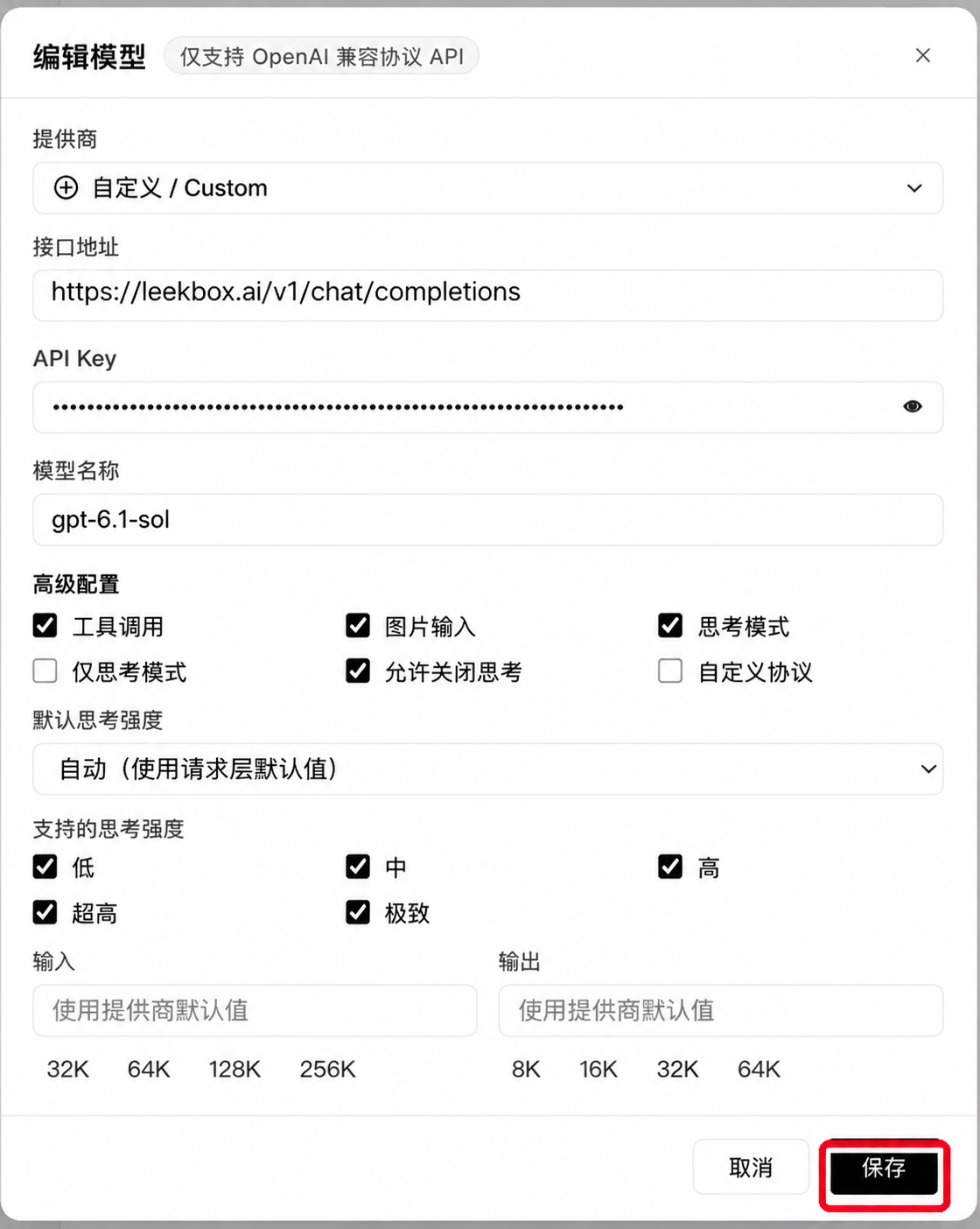
Use it
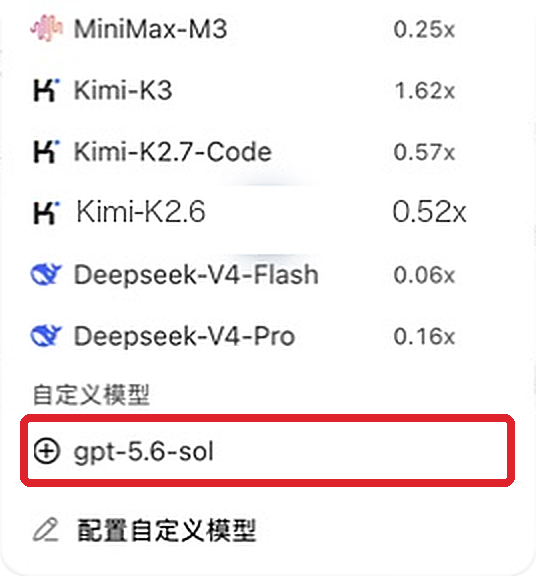
Switch models in the chat window and pick your custom entry:
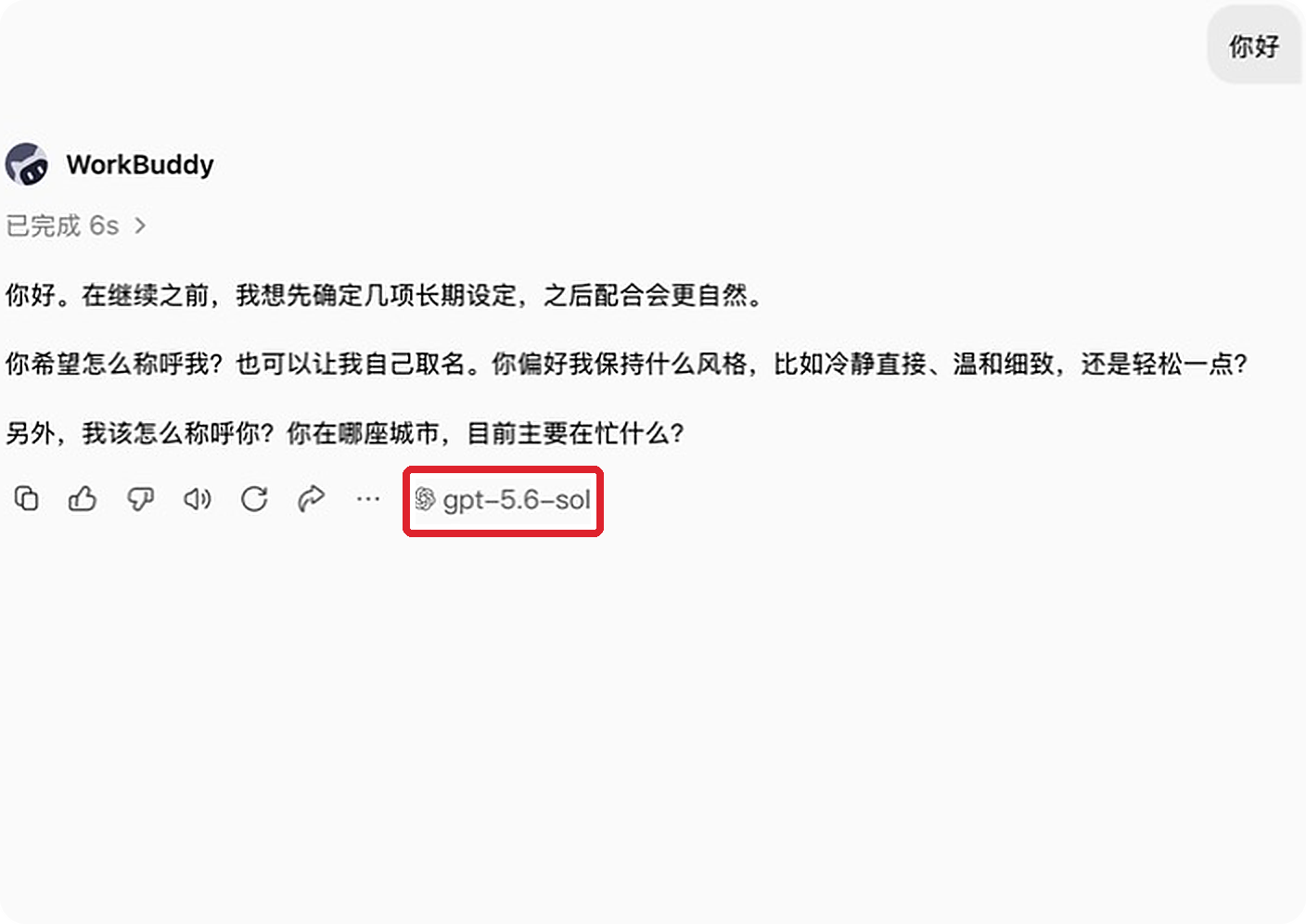
Send a message; a reply means the configuration is correct:
Troubleshooting
| Symptom | Fix |
|---|---|
| Model list empty after saving | Endpoint missing /v1/chat/completions |
| 401 | Trailing space or truncated key |
| Spinner forever | First-run environment prep did not finish; restart the app |