
CC-Switch
A GUI for switching Claude Code and Codex providers. No environment variables to remember — edit the fields, click Apply, done.
Install
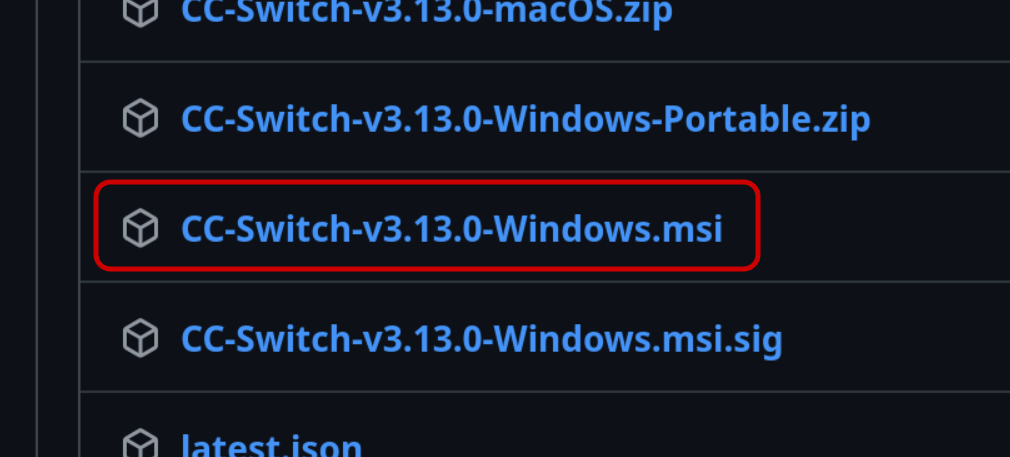
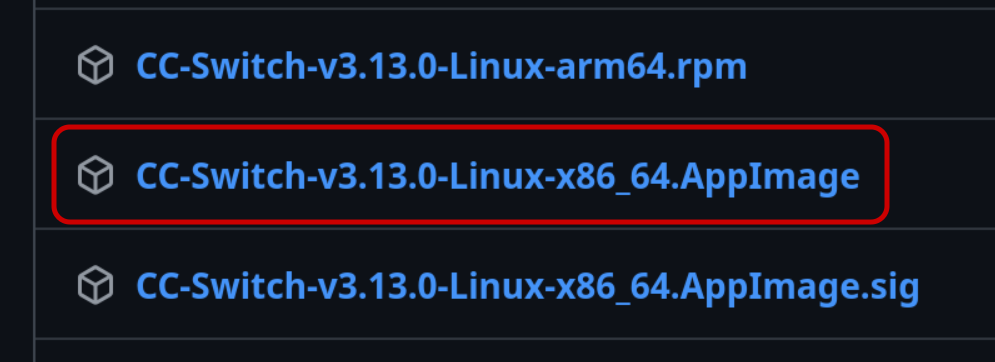
Download the build for your platform from the cc-switch repo (Windows .msi, Linux .AppImage / .rpm / .deb, macOS .dmg).
On first launch it asks which app to manage:
Add LeekBox
Open CC-Switch → Claude Code tab → new provider:
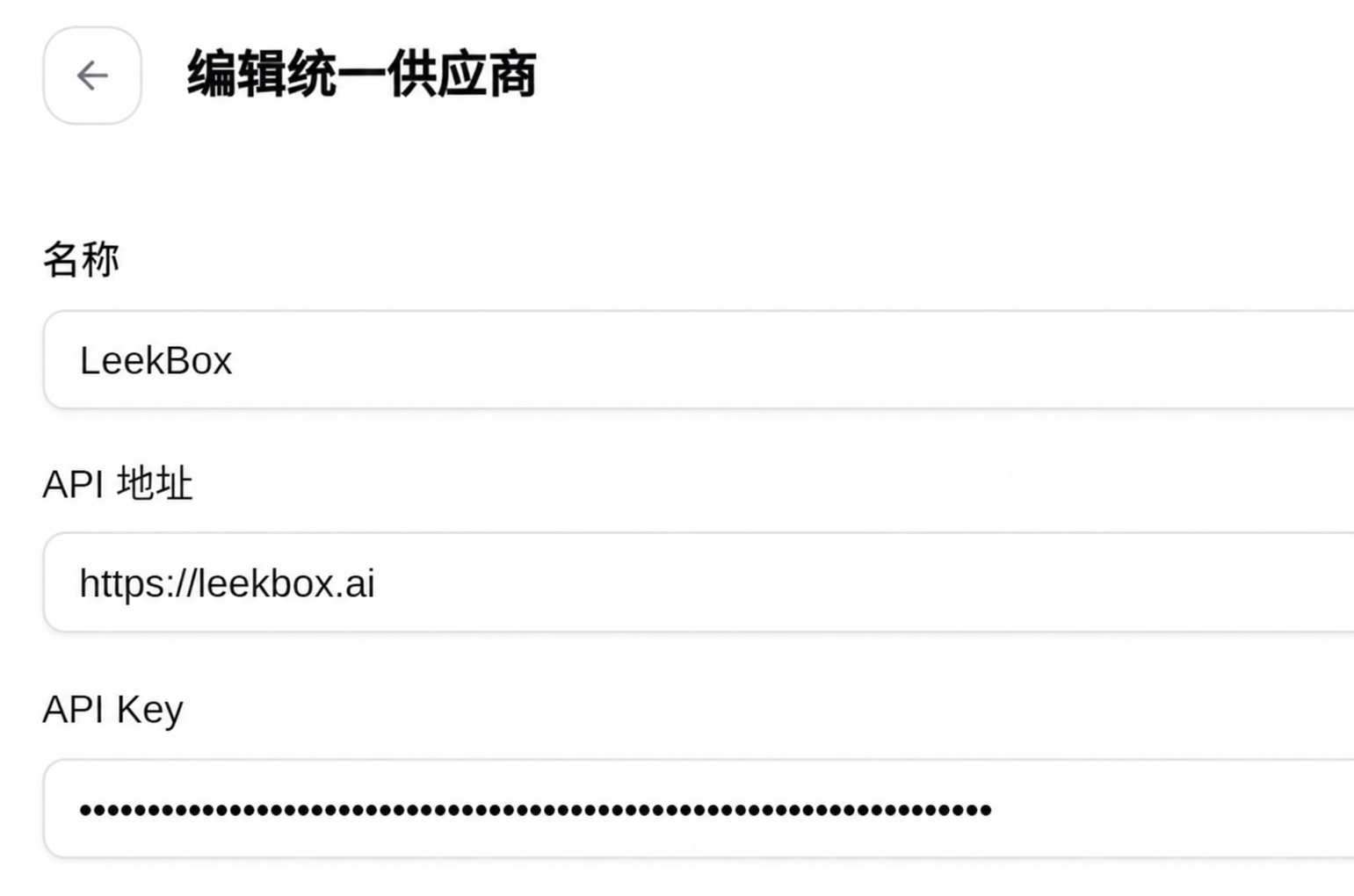
| Field | Value | Notes |
|---|---|---|
| Name | LeekBox | Only for your own reference |
| API URL | https://leekbox.ai | No /v1 — CC-Switch appends it |
| API key | sk-... | Create one under API keys in the console |
Save, then click Apply. CC-Switch writes these values into Claude Code's config directory (~/.claude/settings.json on macOS/Linux, %USERPROFILE%\.claude\ on Windows) and leaves your login state alone.
Codex as well
Switch to the Codex tab → new provider:
| Field | Value |
|---|---|
| Name | LeekBox |
| API URL | https://leekbox.ai/v1 (this one does take /v1) |
| API key | The same key |
| Protocol | responses |
Apply, and CC-Switch writes ~/.codex/config.toml alongside your official login, switchable at any time.
Switching between providers
- Click a provider → Apply to switch. It edits files, so open a new terminal to pick it up.
- To hop back to your official account, select the official entry and open a new terminal.
- Name providers clearly (
LeekBox-Pro,LeekBox-Value) so you never switch to a pricier group by accident.
Troubleshooting
| Symptom | Fix |
|---|---|
| Claude Code asks you to log in / uses the official API | Not applied, or the terminal was already running — open a new one |
| 401 | Trailing space, or a truncated paste |
| 404 model | Not in your group — see Models & pricing |
Codex complains about wire_api | Protocol must be responses |
| Want it gone | Select the official provider again, or delete the entry |
No GUI needed?
Edit the config files directly: Claude Code, Codex CLI.